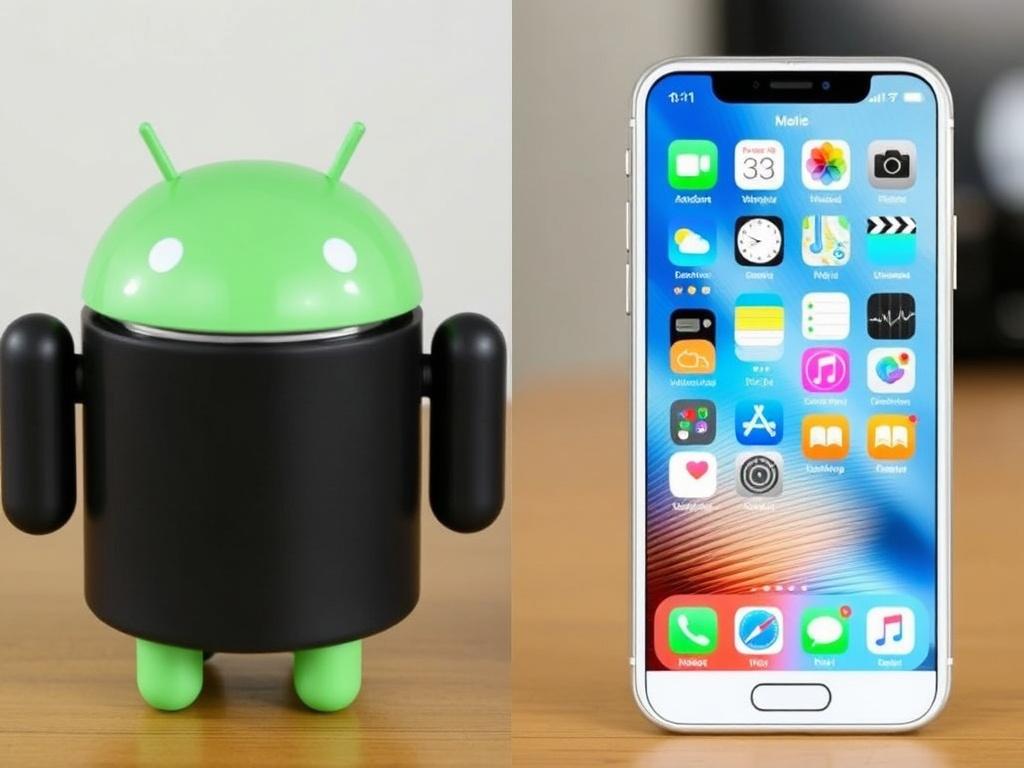
If you’ve ever stood in a phone store swiping between home screens like you’re weighing life choices, you’re not alone. The tug-of-war between Android and iOS shapes how we communicate, work, and unwind. Think of this as Android vs iOS: The Ultimate Comparison told without hype—just what matters day to day. I’ve carried both for years, sometimes at the same time, and the differences reveal themselves in the small moments.
Hardware and ecosystem
Apple builds the iPhone and controls the whole stack, from chips to charging cables. That tight integration gives iOS a consistent feel across devices and often excellent battery life. Android, by contrast, lives on a wide range of hardware from Google, Samsung, OnePlus, and others, spanning every price and size. Choice is its superpower, but that also means experiences can vary by brand.
On sheer variety, Android wins easily: folding phones, compact flagships, budget models with big batteries—you can match a device to a very specific need. Apple’s lineup is simpler, which many people prefer; it reduces the gamble of “did I pick the right one?” Performance at the high end is strong on both sides, though Apple’s custom silicon still leads in raw efficiency. Cameras are no longer a one-company show; results hinge on tuning and taste as much as sensors.
Pricing follows the same pattern: iPhones cluster at premium tiers, while Android covers everything from entry-level to ultra-luxury. Long-term support narrows the gap—Google and Samsung now promise years of updates on their flagships—but cheaper Android phones may still cut corners. If you want predictability, Apple delivers a cleaner menu; if you want options, Android serves a buffet.
| Category | iOS (iPhone) | Android (various) |
|---|---|---|
| Device variety | Limited, focused | Extensive, many form factors |
| Price range | Mid to premium | Budget to premium |
| Update consistency | Uniform, same day | Strong on Pixels/Samsung; varies elsewhere |
Software experience and customization
iOS aims for polish and predictability. Menus look alike, settings sit where you expect, and features tend to arrive as finished pieces rather than experiments. Android leans into flexibility, offering more knobs and dials to tailor how your phone behaves. If you enjoy tinkering—changing launchers, automating tasks—Android feels like a workshop rather than a showroom.
Everyday touches highlight the split. On iOS, system animations, haptics, and default apps create a cohesive rhythm. On Android, you can swap defaults freely and reshape your home screen into something uniquely yours. Neither approach is wrong; it’s a question of whether you prefer a curated path or a toolkit.
Widgets, defaults, and theming
Widgets live on both platforms now, but Android’s are older and still more flexible in how they update and interact. Theming on Android can recolor icons and menus system-wide, while iOS offers a tidier grid with visual consistency. If you’re the type who sets a phone once and never touches it again, you might not care; if you like your device to reflect your mood, you will.
Defaults tell the same story. On Android, you can make any browser, dialer, or assistant the system default with a couple of taps. iOS has loosened up—browsers and mail apps can now be changed—but the range remains narrower. Personally, I love setting a third-party camera and notes app as defaults on Android; on iOS I rely on Apple’s apps because they’re simply woven deeper into the system.
Privacy, security, and updates
Apple’s stance is straightforward: limit background tracking, tighten app permissions, and keep data processing on the device when possible. The App Store’s review process, while imperfect, filters obvious abuse and enforces privacy labels. iOS updates arrive on day one for supported devices, which helps when a nasty bug pops up. It’s a locked garden, but that’s part of the appeal for many.
Android’s security model has matured a lot, with Google Play Protect scanning apps and sandboxing keeping trouble contained. Monthly security patches are the norm for major brands, and Pixels often get features first. The wrinkle is fragmentation: not every manufacturer pushes updates quickly, especially on budget models. If timely patches matter to you, stick to vendors with clear support promises.
On privacy, both platforms provide fine-grained controls and clear permission prompts. iOS still surfaces more tracking disclosures by design, while Android balances privacy with openness, including options like sideloading that add flexibility and a bit of risk. Used wisely, either platform can be very secure; used carelessly, either can be a mess.
Apps, games, and payments
The best apps and games usually launch on both, though some creative tools still debut on iOS first. The App Store tends to favor consistent design and subscription bundles, while Google Play embraces experimentation and broader distribution. Android allows alternative app stores and sideloading, useful for niche tools and enterprise needs. On iOS, that’s largely restricted, with limited regional exceptions and tighter rules.
Mobile payments and wallets are excellent on both sides. Apple Pay is deeply integrated and widely accepted; Google Wallet (and Google Pay where applicable) is equally smooth, especially on newer hardware. Subscriptions can pile up fast, so bundling matters: Apple One and Google One offer storage and services that can trim costs. For work, app parity is strong—mail, calendars, docs, and conferencing are equally competent.
Cross-device life: watches, cars, and laptops
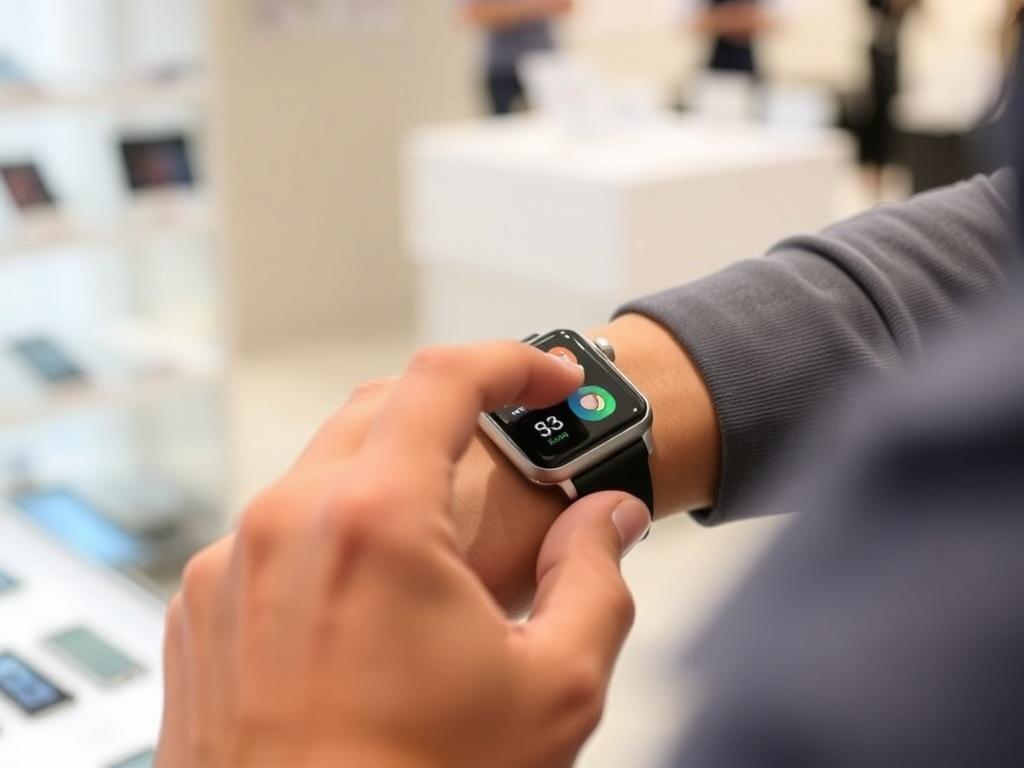
Apple’s ecosystem is famously cohesive: iPhone, Apple Watch, AirPods, iPad, and Mac hand off tasks with minimal friction. AirDrop, Handoff, and iCloud backups make you feel like your devices talk behind your back in a good way. Android’s world is broader and more brand-dependent, but it has its own magic in Quick Share, Nearby, and tighter Windows integration. Wear OS watches span styles and prices, though none match Apple Watch’s lockstep sync with iPhone.
In cars, CarPlay and Android Auto are both excellent—plug in or go wireless and your trip is organized. Messaging remains a fault line: iMessage is iOS-only, while Android leans on RCS for features like typing indicators and better media. Apple has signaled support for RCS, which should ease cross-platform texting as it rolls out. Until then, group chats can still feel like a negotiation.
Cost of ownership
Sticker price is just the start. iPhones typically hold resale value longer, which softens upgrade costs, especially if you trade in annually. Android shines in upfront savings and frequent discounts, and top-tier models from Google and Samsung now promise extended support that stretches value over time. Accessories and repairs vary widely; AppleCare is simple, while Android choices can be cheaper but require more homework.
Cloud storage and services add to the long-term bill. Google Photos, Drive, and cross-platform tools play nicely with mixed-device households. Apple’s services are strongest if you’re all-in on Apple gear, where the sum feels greater than its parts. I’ve bounced between both and found that the “cheapest” setup is the one that wastes the least of my time.
Which one fits you?
Think about what you value: control, convenience, or community. If you swap gadgets often, like to automate chores, or want the freedom to set defaults, Android is a natural fit. If you prefer guardrails, first-party polish, and a tight mesh with a laptop and watch, iOS feels like home. Both can be fast, secure, and fun—it’s really about taste and tolerance for trade-offs.
- Power tweakers and budget hunters: Android
- Minimalists and ecosystem fans: iOS
- Mobile gamers and creators: either, but check your must-have apps
- Mixed families and group chats: lean toward what your circle uses
When friends ask me for the short answer, I tell them to pick the ecosystem that reduces friction in their actual life. If your partner AirDrops photos and your office runs on Macs, the iPhone will feel effortless. If you love trying new hardware and shaping your device to your habits, Android’s flexibility is a joy. Call it Android vs iOS: The Ultimate Comparison if you like, but the winner is the one that gets out of your way and lets you live.